To place an order and support a climate action project, you will first need to sign in so that the order is correctly attributed to your property.
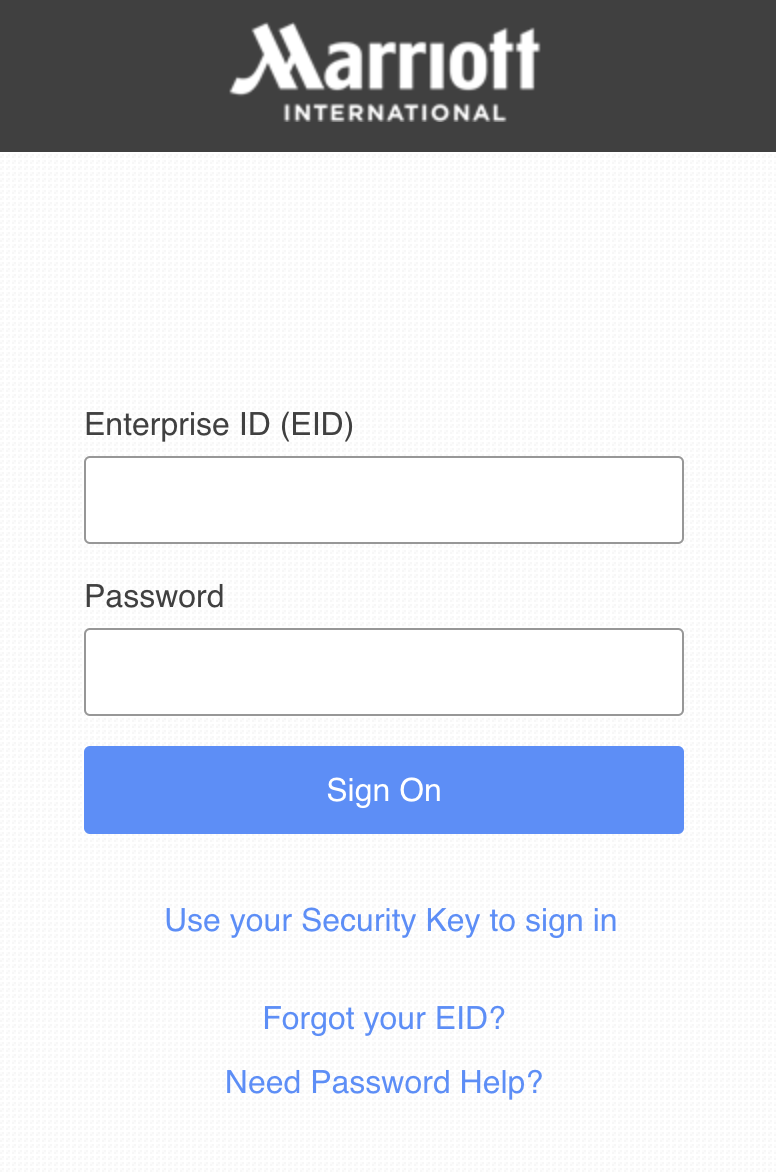
- Click on “Sign in” in the top banner.
- Select the “Login via Marriott employee EID” option.
- A new tab will open and prompt you to fill in your Marriott credentials.
- If the information you inputted is correct, the tab will automatically close and bring you back to the shop.
In case you are linked to several properties, please make sure you fill in the credentials of the property where the event for which you just calculated the carbon footprint took place. The property information you use here should always match that used in the MIR tool.
If you need to place an order for a different property when you’re done after this first order, just click on “sign out” in the top banner and go back to the MIR tool to fill in the new event information, start the process again.
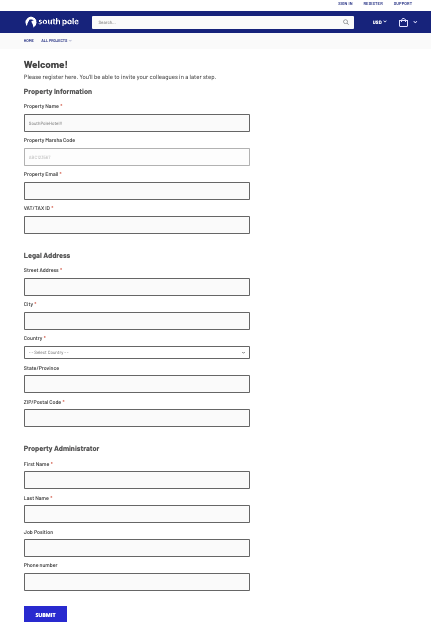
If you’re the first user to log in for a property, you will be asked to fill in its information. That is to ensure the property information we have is as accurate and up to date as possible.
Your property name, MARSHA code and email address should already be filled in, as they have been carried over from the MIR tool
The required fields where you need to input information are:
- Property VAT and legal address - needed for the issuance of any invoice or payment documents
- Property administrator info - refers to the contact person who will be paying for invoices
Once you have filled in all the fields, click on “submit” and you will be able to proceed.