- Click “on “add to cart” on the project page
- A mini cart view pops up on the right side of your screen. Review and click on the “Go to checkout” button in the bottom right corner of the screen when you’re ready
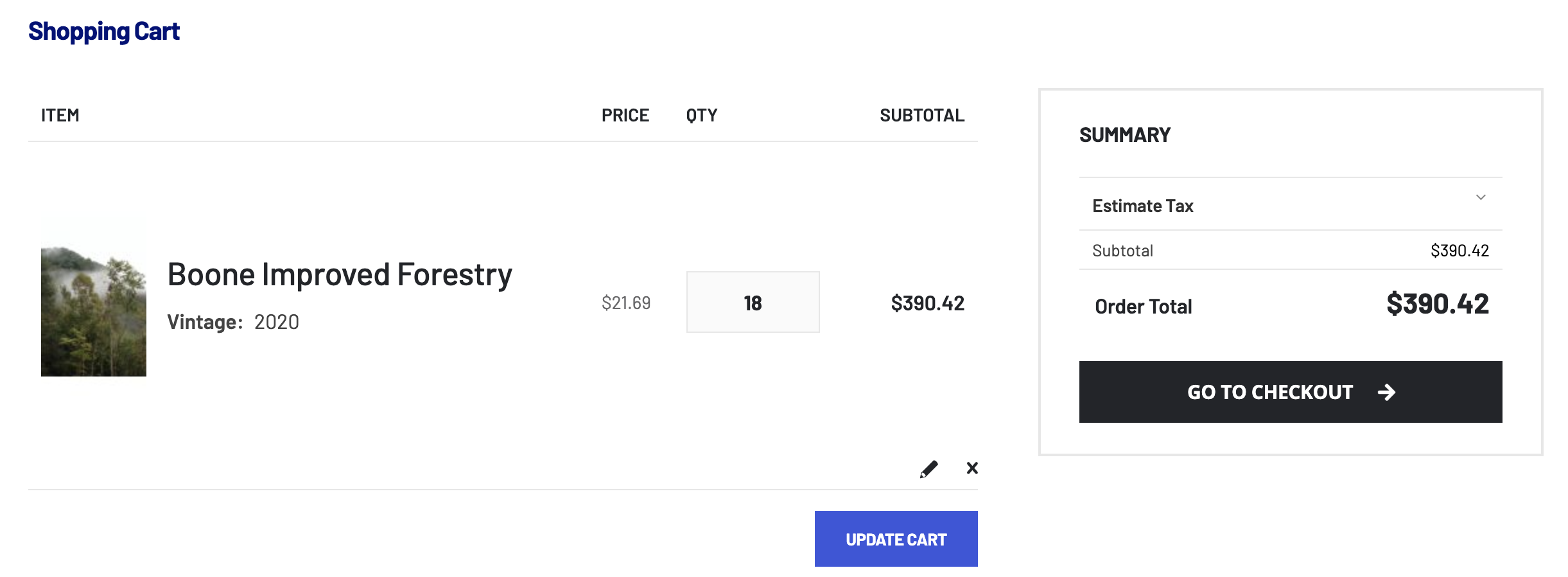
- You’re now seeing the full cart view. If the order still looks correct to you, click again on “Go to checkout”